How to Compress a PDF to 100 KB or 200 KB for Online Forms
Job and government portals often limit PDFs to 100 KB or 200 KB. Learn how to shrink scanned certificates and marksheets to fit, free and still easy to read.

On this page
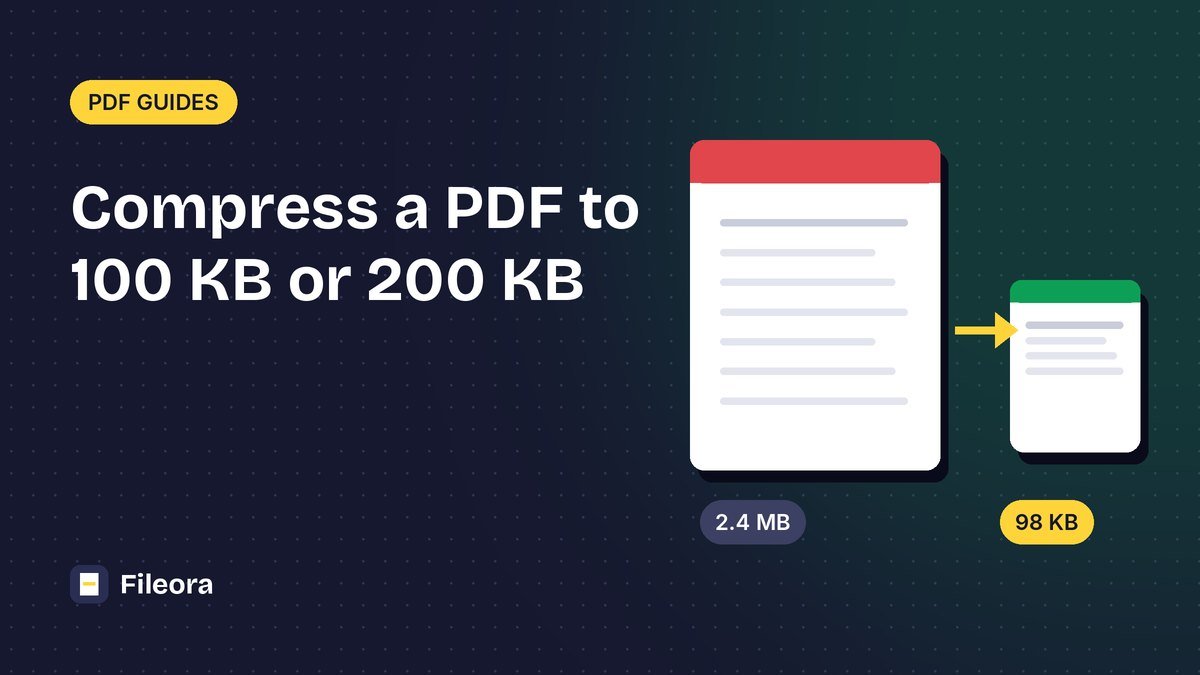
You are filling an online application, and the upload box says "Maximum file size: 100 KB". Your scanned marksheet is 2.4 MB. This happens on many job, exam, scholarship and government portals. The good news: almost any document can be brought under 100 KB or 200 KB and still be perfectly readable, if you know where the size comes from.
Quick answer: open Compress PDF, add your file and choose Strong. If it is still above the limit, convert the pages to images, compress them to a target size, and turn them back into a PDF (method 2 below).
Why is my PDF so big?
A PDF made from a scanner or a phone camera is really a set of photos, one per page. Their size depends on three things:
- Resolution: a page scanned at 600 DPI has 9 times more pixels than one at 200 DPI.
- Colour: a colour scan is much larger than a greyscale or black-and-white scan of the same page.
- Number of pages: every extra page adds another photo.
Text documents created on a computer (for example a resume exported from Word) are usually small already. If such a file is large, it normally contains big images or embedded scans.
Method 1: Compress the PDF directly
This is the fastest way and works for most files.
- Open the free Compress PDF tool.
- Drop your PDF in the box (you can add several files at once).
- Choose a level:
- Light keeps the best quality with smaller savings.
- Balanced is right for most documents.
- Strong gives the smallest file, good for scans that have to go under 100–200 KB.
- Press Compress PDF and look at the new size shown under the result.
- Download the file and open it once to check that every line is still readable.
Choose Light, Balanced or Strong and see the new size before you download.
Method 2: Get under an exact limit (100 KB, 200 KB)
When a portal has a strict limit and Strong compression is not enough, rebuild the PDF from compressed images. This gives you full control over the final size.
- Turn the pages into images with PDF to JPG.
- Compress each image to a target size with Compress Image to KB. Choose 20, 50 or 100 KB, or type your own target. For a 100 KB PDF with two pages, aim for about 45 KB per page so there is a little room left.
- Put the pages back together with JPG to PDF. Choose A4 and a small margin.
- Check the final size. If it is still slightly too big, lower the target a little and repeat step 2.
Rough size guide
These are typical results for an A4 page of normal text. Photos and coloured certificates need more.
| Limit | Pages | Target per page | Tip |
|---|---|---|---|
| 100 KB | 1 | 80–90 KB | Greyscale is usually enough |
| 100 KB | 2 | 40–45 KB | Crop white margins first |
| 200 KB | 2–3 | 60–90 KB | Balanced or Strong compression |
| 200 KB | 4–5 | 35–45 KB | Remove pages the form doesn't need |
| 500 KB | up to 10 | 40–50 KB | Balanced compression is often enough |
Make the file smaller before you compress
A few simple steps often save more space than compression itself:
- Scan at 150–200 DPI. That is sharp enough for any form. 300 DPI and above only makes files bigger.
- Use greyscale for text documents such as marksheets, salary slips and letters.
- Upload only the pages they ask for. Use Split PDF or Organize PDF to remove extra pages.
- Crop the white border around a scanned page with Crop PDF.
- Combine pages into one file with Merge PDF only when the portal asks for a single PDF, then compress once at the end.
Common upload problems and fixes
| The portal says | What to do |
|---|---|
| "File size exceeds the limit" | Use Strong compression, or method 2 with a lower target per page |
| "File size is too small" | Some portals have a minimum (for example 10 KB). Use a higher target in method 2 |
| "Invalid file format" | The portal may want JPG instead of PDF. Use PDF to JPG |
| "File is password-protected" | Remove the password from your own file with Unlock PDF |
| Text looks blurry after compression | Go back one level (Strong → Balanced), or raise the target per page |
Also keep file names simple, like marksheet-10th.pdf. Some older portals reject names with spaces or special characters.
Is it safe to compress certificates online?
Fileora shows on every tool page where your file is processed. Browser tools such as PDF to JPG, Compress Image and JPG to PDF work on your own device and never upload anything. Compress PDF uses Fileora's processing server for the best results; files are sent over an encrypted connection and deleted automatically within an hour.
Frequently asked questions
How can I compress a PDF to 100 KB for free?
Use Compress PDF with the Strong level. If the result is still above 100 KB, convert the pages to JPG, compress each image to about 45 KB, and turn them back into a PDF with JPG to PDF.
Can I compress a PDF to an exact size like 200 KB?
Compression levels can't promise an exact size, but the image method can: choose a target size per page, and the total stays under your limit.
Will compressing a PDF reduce quality?
Light and Balanced keep text sharp. Strong lowers the resolution of images, which is fine for most forms. Always open the result and check that small text is readable.
Why is my scanned PDF so large?
Scans are photos of each page. A high DPI, colour scanning and extra pages all increase the size. Scan at 150–200 DPI in greyscale for text.
Can I compress several PDFs at once?
Yes. Add all files to Compress PDF and you get each one back compressed, or all of them in a ZIP file.
Tools used in this guide
Free, no sign-up. Browser tools never upload your file.
Compress PDF
Make PDFs smaller for email and uploads while keeping them readable.
PDF to JPG
Save every page as a sharp JPG or PNG image.
Compress Image to KB
Make a photo exactly 20 KB, 50 KB, 100 KB or any size you need for online forms.
JPG to PDF
Turn photos and images into a PDF with the page size and margins you choose.
1 comment