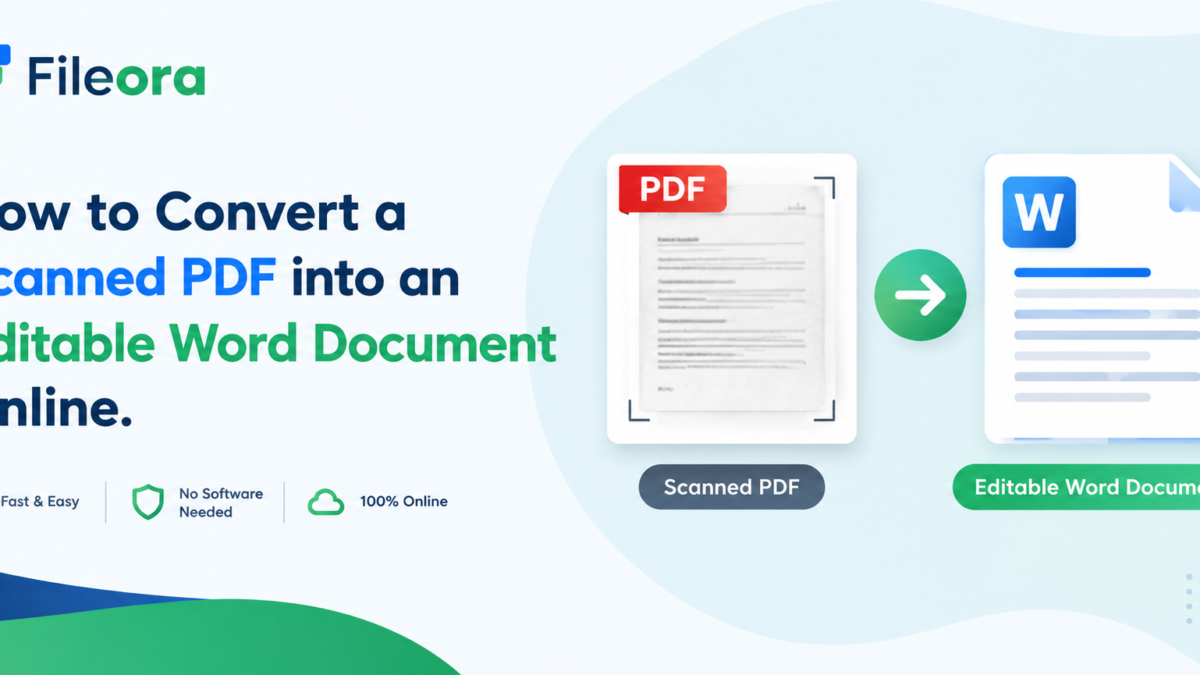
How to Convert a Scanned PDF into an Editable Word Document Online

On this page
In today’s digital-first world, PDFs are everywhere from scanned contracts to old textbooks. But what happens when you need to edit the text inside a scanned PDF? That’s where conversion tools come in handy. This guide walks you through everything you need to know about turning scanned PDFs into editable Word documents, along with essential PDF management tips from the experts at Fileora .
What is a Scanned PDF?
A scanned PDF is essentially a digital photograph of a physical document. Unlike a regular PDF created from a Word file, a scanned PDF doesn’t contain selectable or searchable text—it’s just an image saved in PDF format. This means you can’t highlight, copy, or edit the text directly unless you use specialized software.
Key characteristics of a scanned PDF:
- Contains images instead of text layers
- Cannot be searched using Ctrl+F
- Often larger in file size
- Requires OCR technology to extract text
Why Convert a Scanned PDF to Word?
Converting a scanned PDF to Word unlocks a world of editing possibilities. Whether you’re updating an old contract, reformatting a resume, or extracting data from a report, having an editable document saves hours of manual retyping.
Common reasons to convert:
- Edit outdated information without starting from scratch
- Reuse content for new projects
- Improve accessibility for screen readers
- Collaborate easily using Word’s track changes feature
Many professionals also use this process alongside other tools like a jpg and pdf merger when combining scanned images with text documents into one cohesive file.
How to Convert a Scanned PDF into an Editable Word Document Online
Converting a scanned PDF online is simpler than most people think. Here’s a step-by-step breakdown:
- Upload your scanned PDF to an online converter
- Let the tool’s OCR engine scan and recognize the text
- Select Word (.docx) as your output format
- Download the converted, editable file
Most platforms also offer a merge pdf file free online feature, allowing you to combine multiple scanned pages into a single document before conversion—saving time and effort.
What is OCR (Optical Character Recognition)?
OCR, or Optical Character Recognition, is the technology that makes scanned PDF conversion possible. It analyzes the shapes of letters and numbers in an image and converts them into machine-readable text.
Why OCR matters:
- Transforms static images into editable text
- Supports multiple languages and fonts
- Essential for digitizing old paper documents
- Improves document searchability
How Does OCR Technology Work?
OCR software works in several stages to accurately extract text from images:
| Step | Process |
| 1 | Image pre-processing (cleaning, straightening) |
| 2 | Text detection and segmentation |
| 3 | Character recognition using pattern matching |
| 4 | Post-processing for accuracy correction |
Advanced OCR engines now use AI and machine learning to improve accuracy, even with handwriting or low-quality scans.
Which Online Tools Can Convert Scanned PDF to Word?
There are numerous platforms available today offering pdf converter online to word services. Some popular options include:
- Smallpdf
- iLovePDF
- Adobe Acrobat Online
- Sejda
- PDF2Go
These platforms also often include additional features like a pdf divider, letting users split large files into smaller sections before conversion.
Is It Safe to Convert PDF Files Online?
Security is a valid concern when uploading sensitive documents to third-party websites. Reputable converters use encryption protocols and automatically delete files after a set period.
Safety tips:
- Choose platforms with HTTPS encryption
- Avoid uploading highly confidential documents to free tools
- Check the platform’s privacy policy
- Use trusted brands with positive reviews
How Long Does It Take to Convert a Scanned PDF?
Conversion speed depends on file size, number of pages, and server load. On average:
| File Size | Estimated Time |
| 1-5 pages | 10-30 seconds |
| 6-20 pages | 1-3 minutes |
| 20+ pages | 3-10 minutes |
Tools offering converting files to pdf in bulk may take slightly longer but save time overall by processing multiple documents simultaneously.
Can You Convert a Scanned PDF Without Losing Formatting?
Maintaining original formatting is one of the biggest challenges in PDF conversion. While OCR has improved significantly, complex layouts with tables, images, and columns may shift slightly.
Tips to preserve formatting:
- Use high-resolution scans
- Choose converters with advanced layout detection
- Manually review the Word document post-conversion
- Avoid converting handwritten notes for best results
What Are the Best Free Tools for PDF to Word Conversion?
If you’re looking for a pdf converter free option, here are some reliable choices:
- Smallpdf (free with limits)
- PDF Candy
- Online2PDF
- FreePDFConvert
These tools also double as a pdfmaker online, allowing users to create new PDFs from various file formats.
Should You Use Free or Paid PDF Converters?
| Feature | Free Tools | Paid Tools |
| File size limits | Yes | No |
| Batch processing | Limited | Unlimited |
| OCR accuracy | Moderate | High |
| Customer support | Minimal | 24/7 |
| Security | Basic | Advanced |
For occasional use, free tools work fine. For businesses handling sensitive documents regularly, paid subscriptions offer better reliability.
How Much Does PDF to Word Conversion Cost?
Pricing varies widely across platforms. Some offer a pdf maker for free with basic features, while premium plans range from $5 to $20 per month depending on usage limits and additional tools like editing, compression, and signing features.
What Are the Limitations of Online PDF Converters?
While convenient, online converters aren’t perfect. Common limitations include:
- Difficulty with handwritten text
- Formatting inconsistencies in complex documents
- File size restrictions on free plans
- Internet dependency for processing
How to Edit a Word Document After Conversion?
Once converted, you can edit the Word document just like any other file:
- Open the file in Microsoft Word or Google Docs
- Review the text for OCR errors
- Adjust formatting, fonts, and spacing
- Save or export in your preferred format
If you need to combine edited sections later, many users rely on merge pdf tools to reassemble the document into a polished final PDF.
Which File Formats Are Supported for Conversion?
Most online converters support multiple formats beyond just PDF and Word, including:
- JPG/PNG (images)
- Excel (XLSX)
- PowerPoint (PPTX)
- Plain text (TXT)
This flexibility allows users to handle tasks like convert pdf in to excel for data extraction or pdf conversion to ppt for presentations.
Do Online Converters Work on Mobile Devices?
Yes! Most modern PDF converters are mobile-responsive or offer dedicated apps. This makes it easy to convert documents on the go, whether you’re using an Android phone or iPhone.
Mobile-friendly features:
- Camera scan-to-PDF function
- Cloud storage integration (Google Drive, Dropbox)
- Touch-friendly interfaces
Can You Convert Multiple Scanned PDFs at Once?
Batch conversion is a major time-saver for professionals handling large volumes of documents. Many tools now support online merge pdf to pdf functionality, letting users upload several files and convert them simultaneously into one Word document or multiple separate files.
What Are Common Problems When Converting Scanned PDFs?
Users often encounter these issues:
- Blurry or distorted text recognition
- Misaligned tables and columns
- Missing special characters or symbols
- Slow processing with low-quality scans
Using tools with strong pdf format converter capabilities can minimize these errors significantly.
How to Choose the Right PDF to Word Converter?
Consider these factors before selecting a tool:
| Factor | Why It Matters |
|---|---|
| OCR Accuracy | Determines text extraction quality |
| Speed | Impacts productivity |
| Security | Protects sensitive data |
| Pricing | Fits your budget |
| Additional Features | Adds value (merging, splitting, etc.) |
A good converter should also support convert file format to pdf for multiple document types, not just scanned files.
Will Converting Affect the Original PDF Quality?
Generally, conversion doesn’t alter your original PDF it creates a new Word file instead. However, image quality within the document may slightly compress depending on the tool used. Always keep a backup of your original file before conversion.
Split and Merge Online
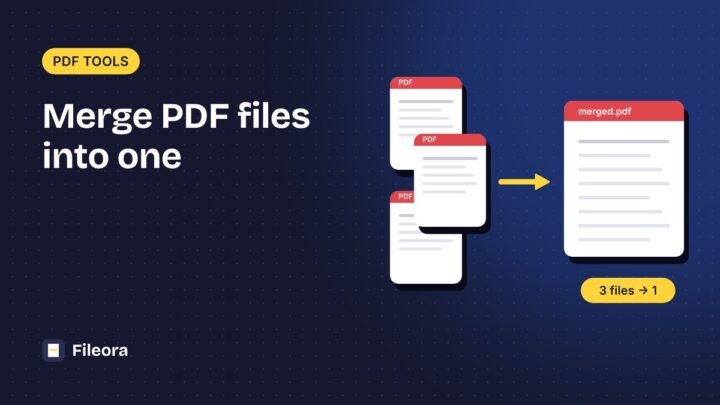
Beyond simple conversion, many platforms now offer pdf split merge online capabilities, giving users complete control over document management..
Popular split and merge features include:
- Merge online pdf free – combine multiple PDFs without cost
- Merge pdf and jpg to pdf – blend images and documents seamlessly
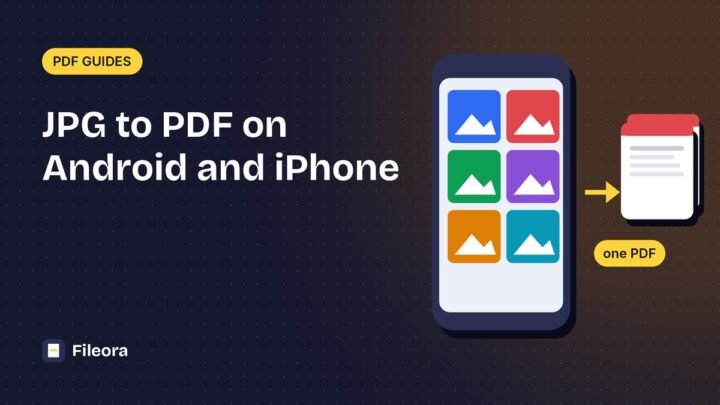
- Pdf merge from jpg – convert scanned images into a single merged PDF
- File merge pdf – consolidate multiple reports into one file
- Merge the pdf online – quick merging without software installation
- Online merge to pdf – combine Word, Excel, or image files into PDF format
These tools also assist with convert pdf and jpg tasks, convert pdf to to jpg conversions for image extraction, and convert the pdf to ppt for presentation purposes. Additionally, features like converting powerpoint to pdf, convert to pdf converter options, and convert word in to pdf online make document management seamless for students, professionals, and businesses alike.
For those creating documents from scratch, an online pdf maker from word or pdf file convert to pdf tool simplifies the entire workflow—while platforms offering pdf merge online for free and online pdf to pdf merge ensure cost-effective solutions for everyday users. Even tasks like pdf file convert to word file online and general merge pdf to pdf online needs are covered comprehensively by today’s advanced converters.
Conclusion
Converting a scanned PDF into an editable Word document no longer requires expensive software or technical expertise. With the right online tools, OCR technology, and a clear understanding of features like merging, splitting, and format conversion, anyone can manage their documents efficiently. Whether you’re a student, professional, or business owner, mastering these tools saves time and boosts productivity. For personalized guidance on digital document management and professional training offers expert-led courses to help you navigate the digital workspace with confidence.
FAQs
-
Can I convert a scanned PDF to Word for free?
Yes, many online tools offer free conversion with basic OCR features, though file size and page limits may apply.
-
Is OCR 100% accurate?
No, OCR accuracy depends on scan quality, font clarity, and language. Clear, high-resolution scans yield the best results.
-
Can I merge PDFs and JPGs into one file?
Yes, most online converters allow you to combine PDFs and JPG images into a single, organized PDF document.
-
Do I need internet access to convert PDFs online?
Yes, online converters require an internet connection since processing happens on remote servers.
-
Are online PDF converters safe for confidential documents?
Reputable platforms use encryption and auto-delete files after processing, but for highly sensitive data, offline software is recommended.
Tools used in this guide
Free, no sign-up. Browser tools never upload your file.

Guides from the Fileora team on getting PDFs, photos and forms right the first time.
Thank you for sharing this amazing blog on Fileora! I found it very useful and have referenced it in my article.
I appreciate you sharing such valuable content from Fileora. I’ve found it helpful and incorporated it into my article. Thank you for sharing!